
Reflection time
At the end of each day (6 PM unless you change it), the agents who did some work meet to look back on their day. You can watch.
What happens
Section titled “What happens”While they’re meeting, Reflection time appears in the sidebar with a red dot. Its page is a little voxel office: the team walks in, sits round the table and talks, with the transcript underneath.
- My team chairs and opens the meeting.
- Each agent says how its day went, based on what really happened: the questions it was asked and the tools it ran, from the audit log.
- The next agent round the table gives it one piece of feedback.
- Each agent says the one thing it’ll do differently. That’s saved to its own memory as a lesson, and it’s in that agent’s instructions from then on. You can change or delete lessons in the agent’s settings.
- My team wraps up, and the summary goes to Activity, with a link to replay the meeting.
Agents never rewrite their own instructions, and during the meeting they can only talk, not use tools.
Settings
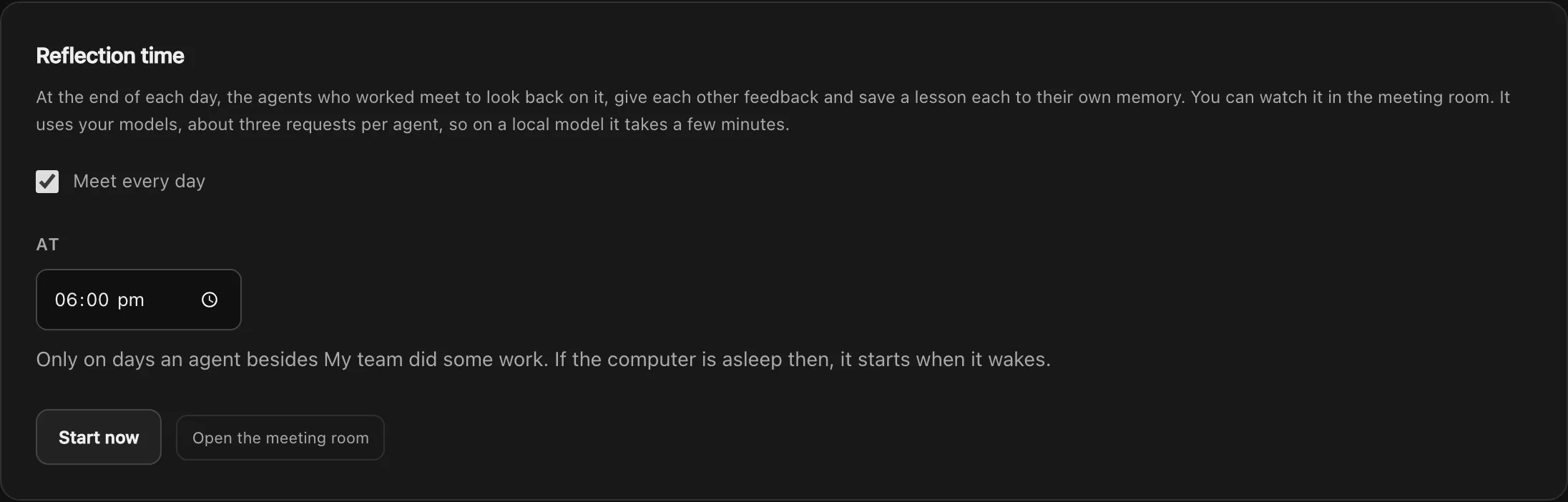
Section titled “Settings”In Settings → Models → Reflection time you can turn it on or off and set the time. Start now runs one whenever you like.
It only meets on days an agent other than My team did some work, and only those agents come (the twelve busiest, if more did). A missed meeting is made up when your Mac wakes, the same day.
On a small local model, a meeting of three agents takes around seven minutes. Your chats are still answered in between.