
Agent sources
An agent source is a GitHub repository of agents. Agent City adds the official Agent City source for you, with specialists like Scoop (AI news), Skye (flights), Ticker (shares), Dispatch (news), Cloudflare DNS and Gmail.
Install an agent
Section titled “Install an agent”- Open Agents → Browse.
- Find an agent and press Review & install.
- Read its files, starting with
tools.py, which is the code that will run. Give it another name if you like. - Press Install. It joins your team straight away, with no restart.
If it needs a key or sign-in, its card says Needs and Connections shows what to add.
Add a source
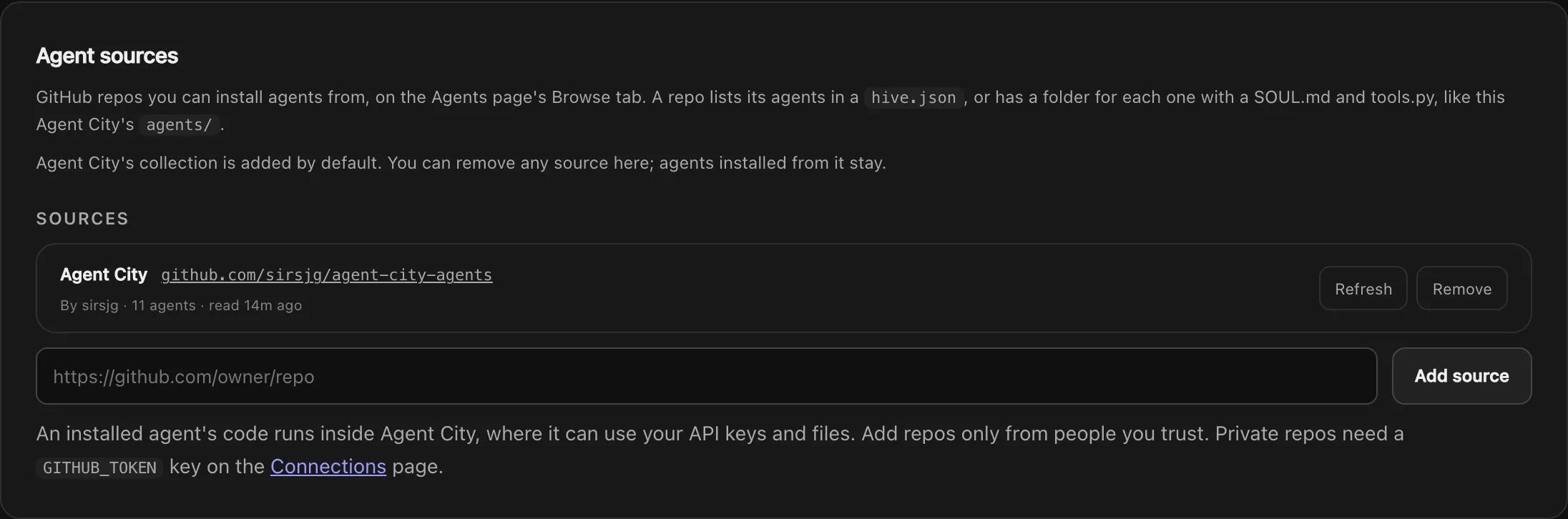
Section titled “Add a source”- Open Settings → Tools → Agent sources.
- Paste a repository’s link:
https://github.com/owner/repo, or…/tree/branchfor a branch.
Its agents appear on Browse. Adding a source doesn’t install anything. Reading a repository never runs its code.
You can remove any source, including the default one, and it stays removed. Removing a source leaves its installed agents as they are, but they can no longer be updated.
Updates
Section titled “Updates”Refresh reads a source again. An agent whose files changed says Update available, with the new version if it has one (v1.0.0 → v1.1.0). Review shows exactly what changed, and Update installs it, keeping any name you gave it. Nothing updates on its own.
GitHub limits
Section titled “GitHub limits”GitHub allows 60 requests an hour without a key, and a refresh uses three. Add a GITHUB_TOKEN on Connections to raise that and to add private repositories.
Publish your own
Section titled “Publish your own”Any GitHub repository of agent folders can be a source. See Host your own agent source for the layout, hive.json, limits and updates, and Agent files for what goes in each agent.