
Your first chat
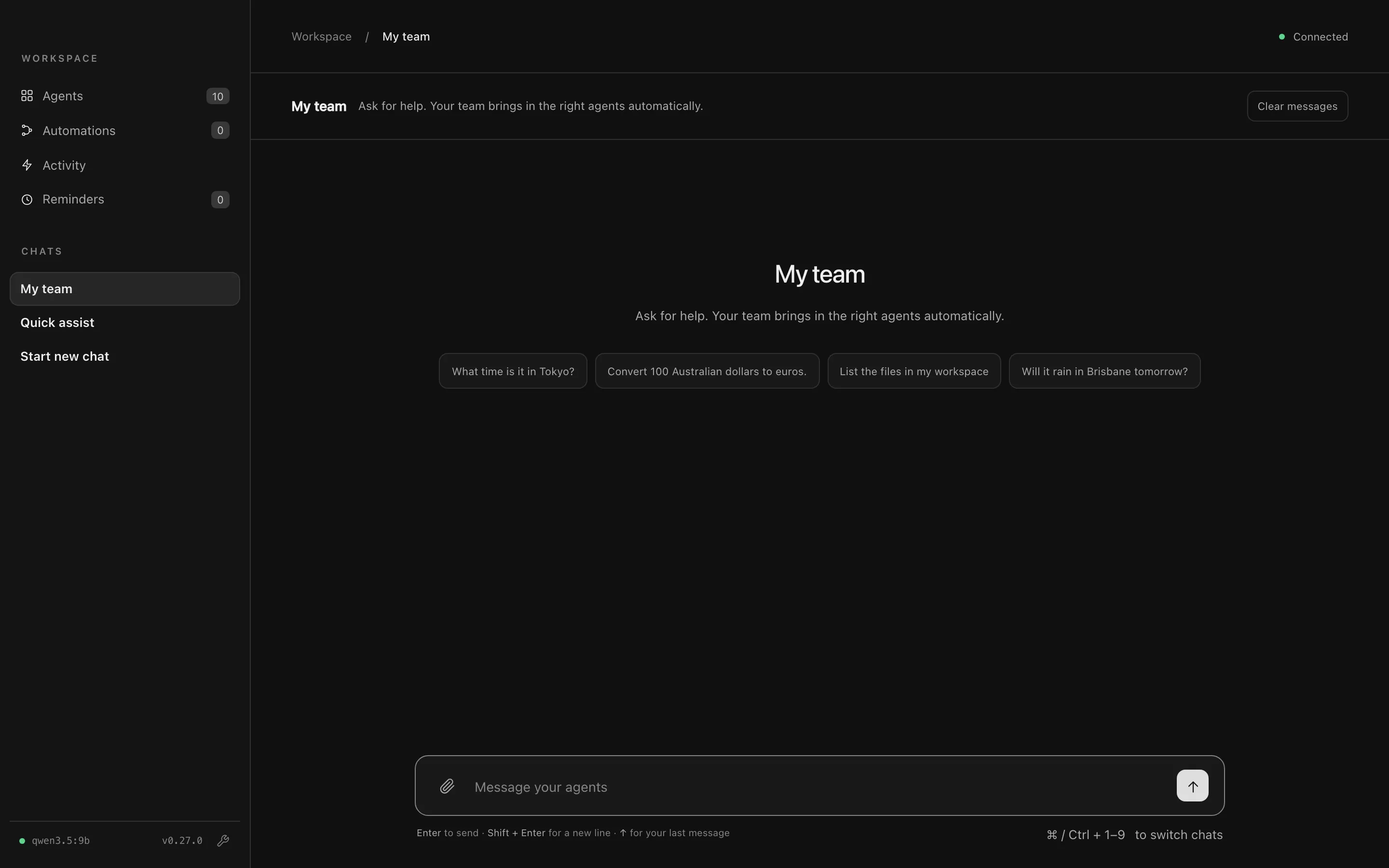
My team is the home screen and your main chat. Ask it anything, and the coordinator brings in the right agents.
Ask a question
Section titled “Ask a question”Type a question in the message box and press Enter. Try one that needs two agents:
What’s the time and weather like in Dublin?
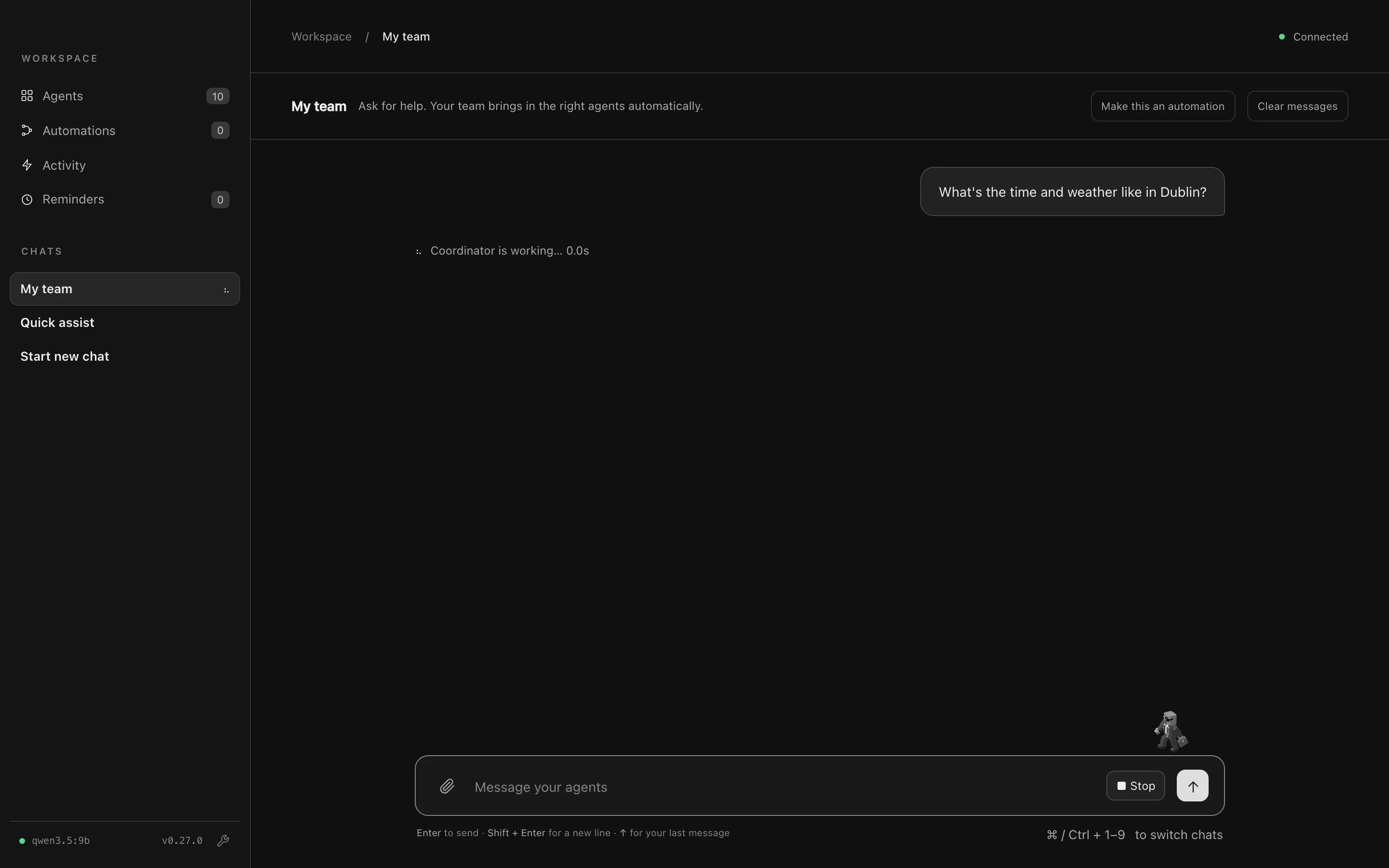
While the team works, a line above the message box shows who’s working. Press Stop (or Esc) to cancel a reply, including any agents it asked.
When the answer arrives, you’ll see:
- The agent activity: who the coordinator asked (here, Tock for the time and Nimbus for the weather), the tools they used, and what came back. Hide details folds it away.
- The reply: one answer that combines what the agents said.
- Views: tables, stats, cards and charts drawn straight from the agents’ data, like the weather conditions and forecast below.
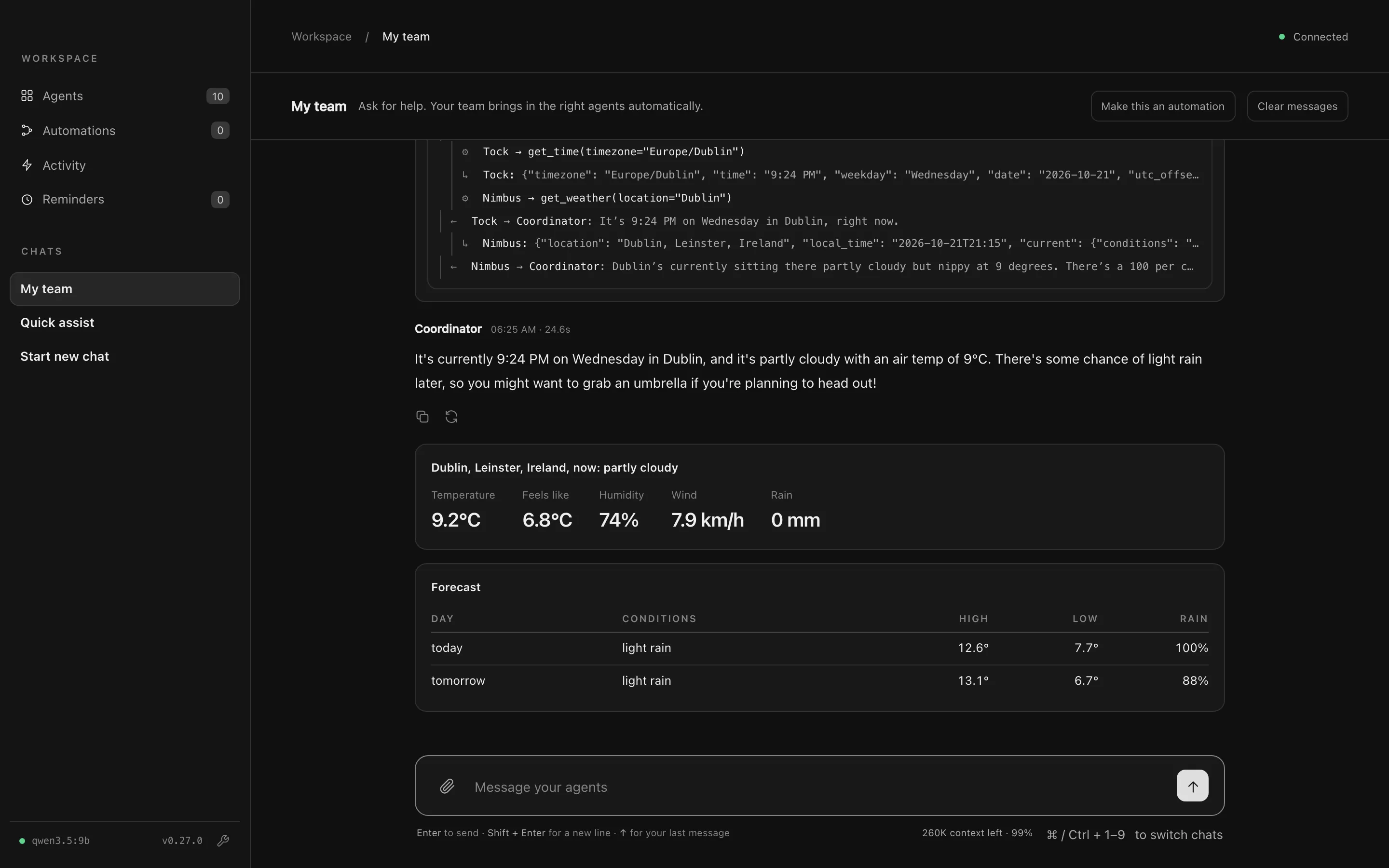
Under each reply, you can copy it or try again.
Tell it about yourself
Section titled “Tell it about yourself”Tell My team something lasting about yourself and it remembers it:
My name is Sam and I live in Brisbane. Remember that.
The chat shows Memory updated with the facts it saved. From now on, every agent knows them, so “What’s the weather like?” means Brisbane.
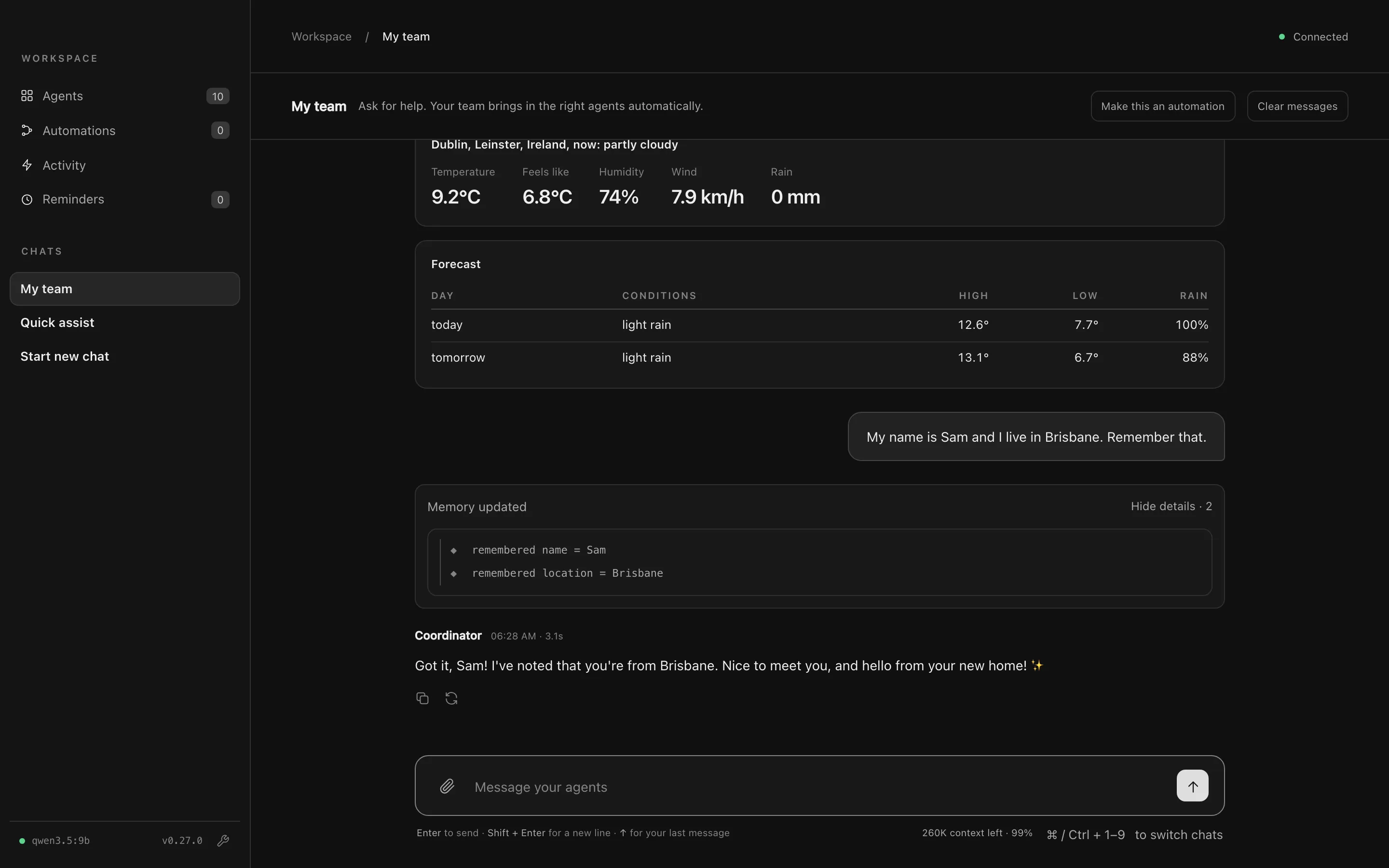
You can view, edit or delete saved facts under Shared memory. See Memory.
- Follow-ups work. “And tomorrow?” carries on from the last answer.
- Quick answers become buttons. When a reply ends with a short question (“PDF or Word?”), the answers appear as buttons above the message box.
- Shortcuts:
Entersends,Shift+Enteradds a new line,↑brings back your last message, and⌘1–⌘9switch between chats. - Make it repeatable. Make this an automation in the chat header turns the chat into an automation you can run again or schedule. See Automations.
Next steps
Section titled “Next steps”- Chats: Quick assist, chats with chosen agents, and sharing files
- Agents: see your team and change how each agent works
- Built-in agents: System, Computer and Meetings